Four ways to keep your place

Use the one that works for you, or switch between them. Every reading aid can be turned on or off.

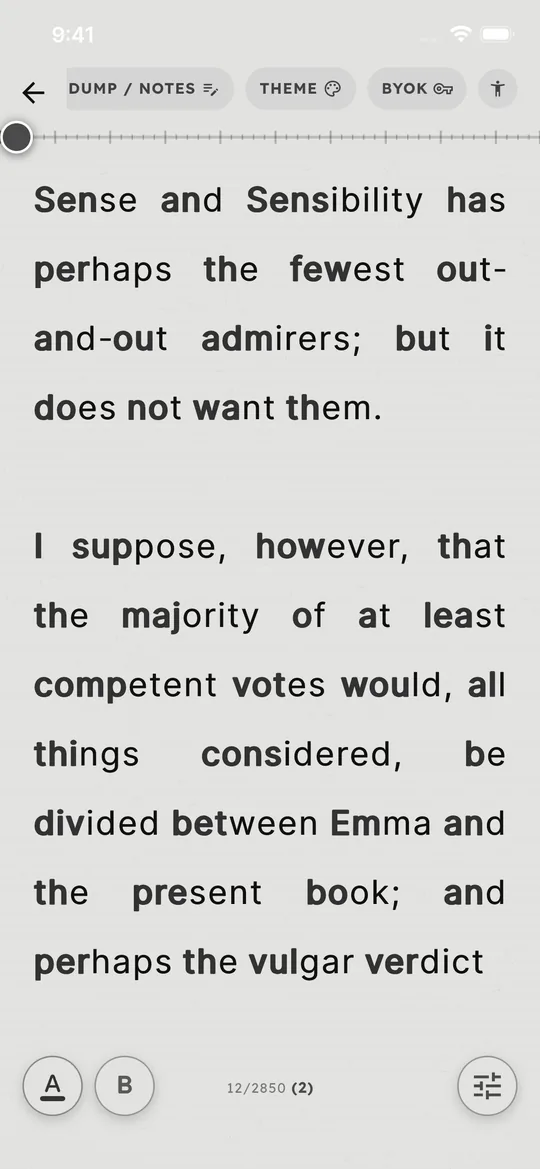
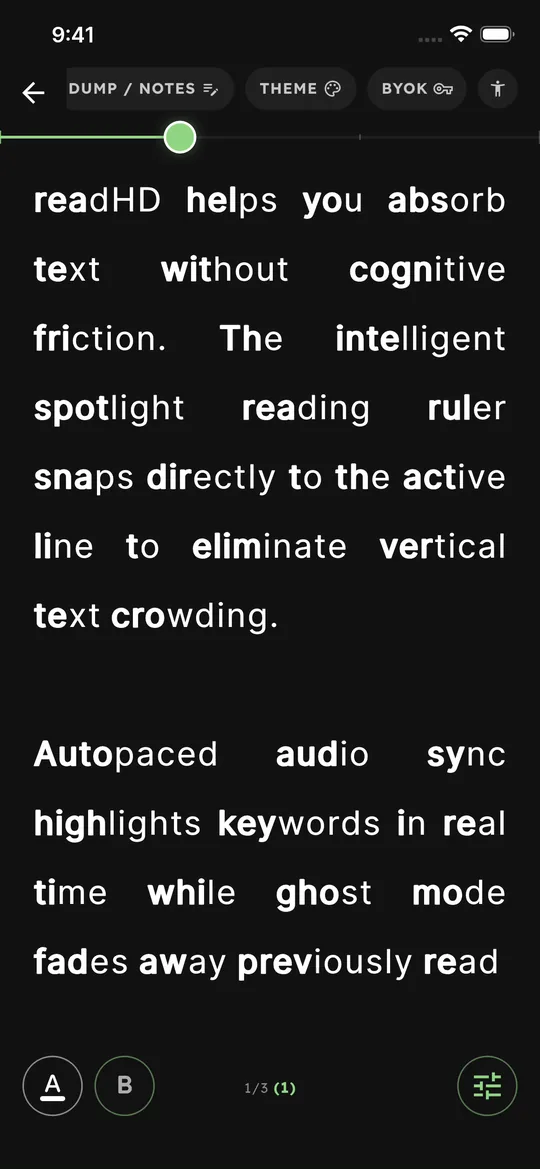
Prefix Bold Anchoring in readHD: the start of each word is bold
Bold word starts

Prefix Bold Anchoring

Bolds the first 35–40% of each word, so your eyes have a clear place to land on every word.

  • Works on every book and document
  • The bold color follows your theme
  • Turn it on or off any time
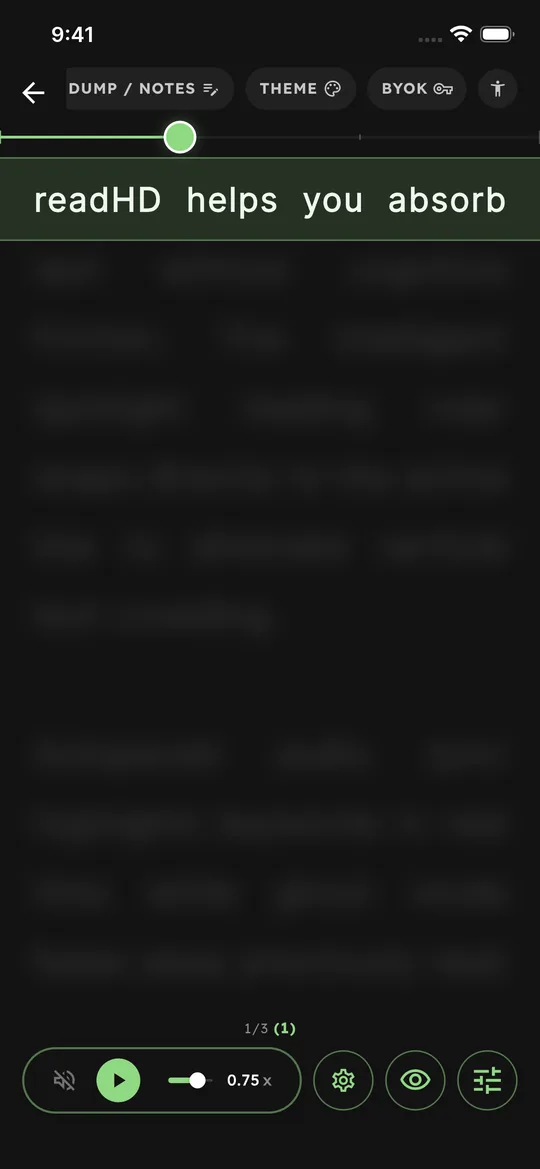
Spotlight Reading Ruler in readHD: one line is sharp and the rest is blurred
One line in focus

Spotlight Reading Ruler

Keeps your current line sharp and softly blurs the lines around it, so you don’t jump to the wrong line.

  • Skips blank lines automatically
  • Adjustable blur
  • Auto-pace moves the ruler for you
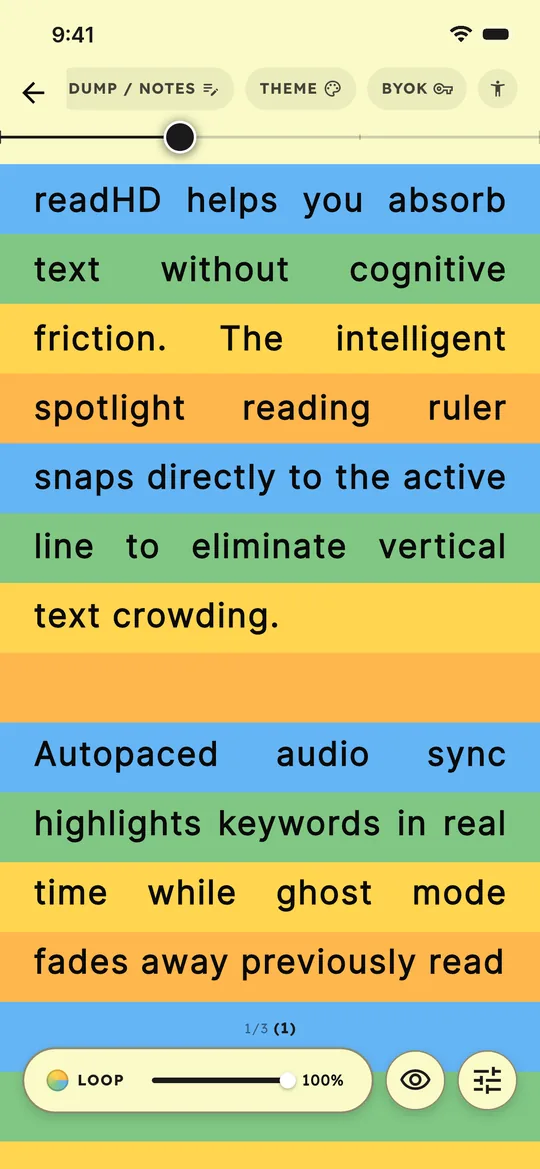
Color Guide in readHD: each line has its own colored stripe
Colored line stripes

Color Guide

Gives each line its own colored stripe, so the next line is always easy to find.

  • Multi-color loop or a single color
  • Adjustable intensity
  • Works with every theme
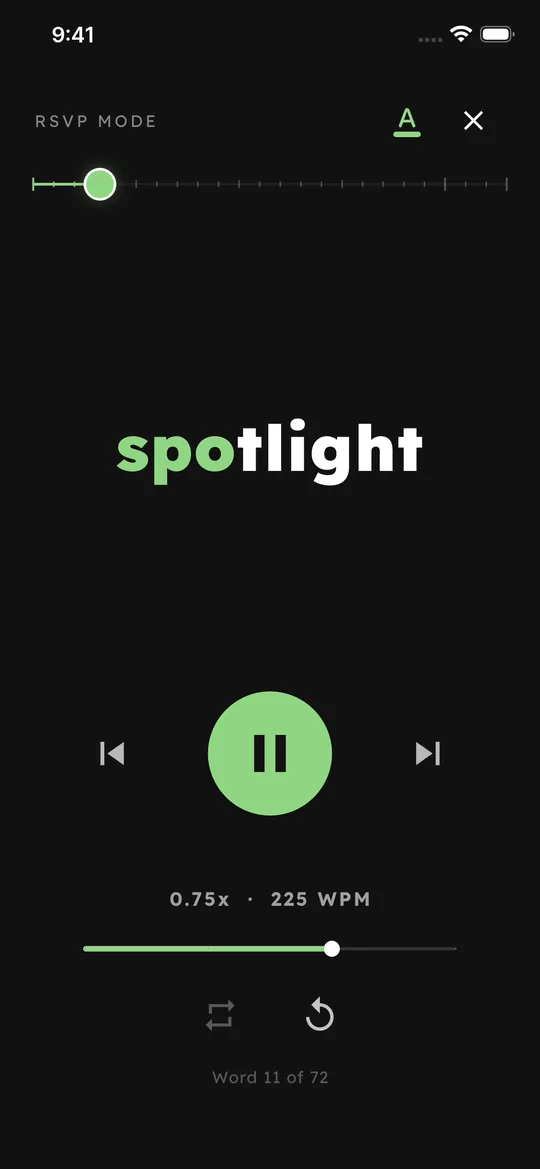
One-word-at-a-time reading in readHD
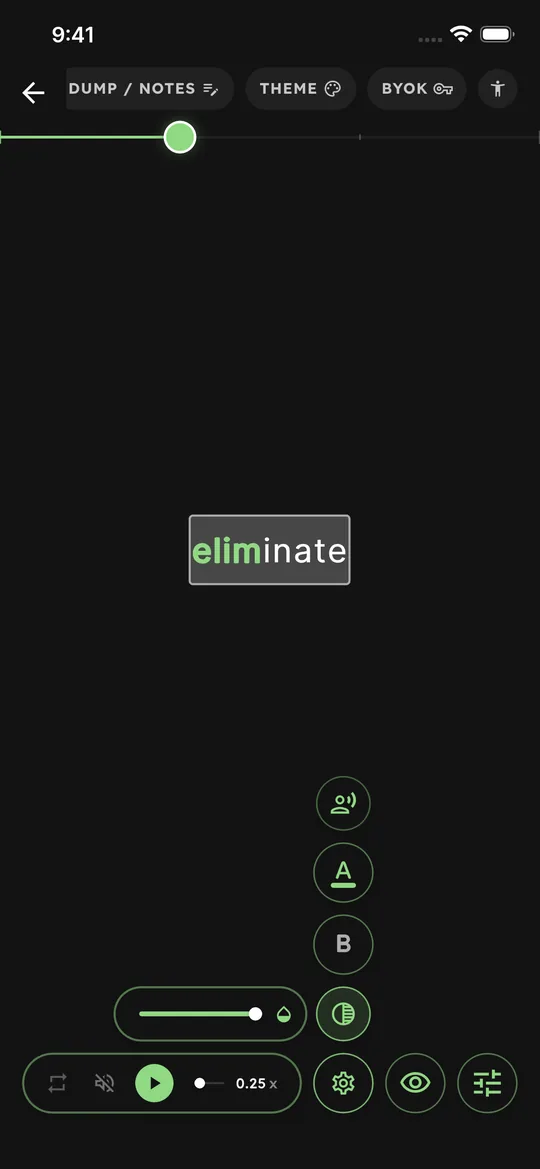
Words come to you

One Word at a Time (RSVP)

Shows one word at a time in the same spot, so your eyes don’t have to travel along the line.

  • Up to 300 words per minute
  • Replay and skip controls
  • Shows your place, like “Word 11 of 72”

Everything else you need to read

Six reading themes in readHD

Six reading themes

Charcoal, Bedtime, Reader’s (e-ink style), Cream, Sepia and Calm Green.

Autopaced audio sync in readHD

Autopaced audio sync

Listen while each word is highlighted as it is read aloud.

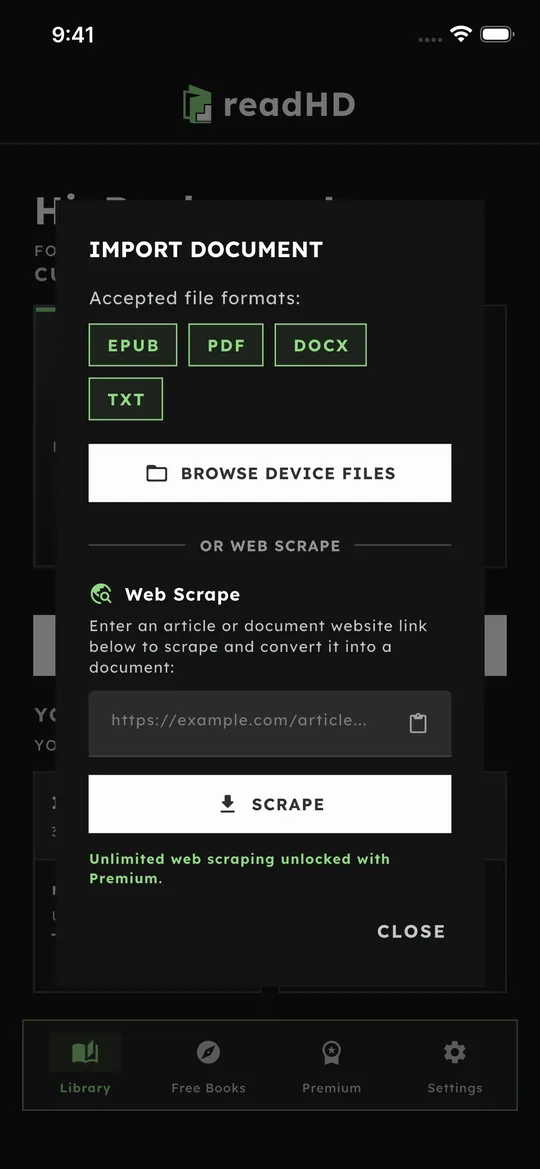
Import your own files in readHD

Import your own files

DRM-free EPUB, PDF, Word (DOCX) and text files, plus clean text from web articles.

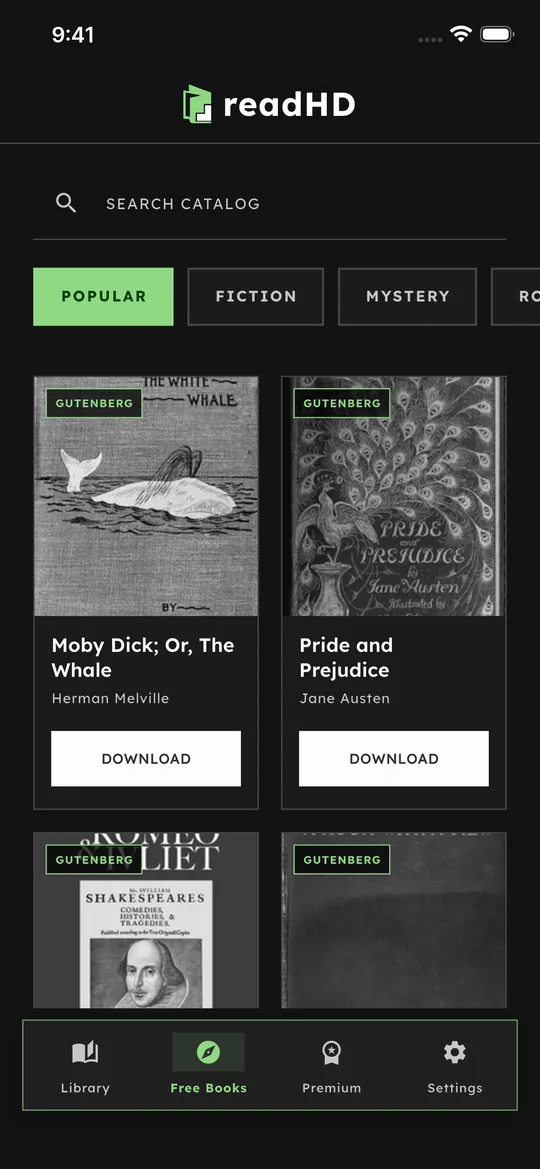
1,500+ classic books in readHD

1,500+ classic books

Public-domain classics, ready to download inside the app.

Offline dictionary

Look up words without the internet.

Shake to journal

Shake your phone to jot down a stray thought, then get back to reading.

Optional AI study help

Simple explanations, key takeaways and flashcards, using your own Google Gemini API key. readHD works fully without it.

No account needed

Your files and progress stay on your device.

Try every reading aid free

Download readHD on iPhone, iPad or Android. Upgrade only if you love it.